
Home Design- Ai Room Planner
House & HomeAI Room Planner: Remodel your interior and exterior with ease.
5.0 rating
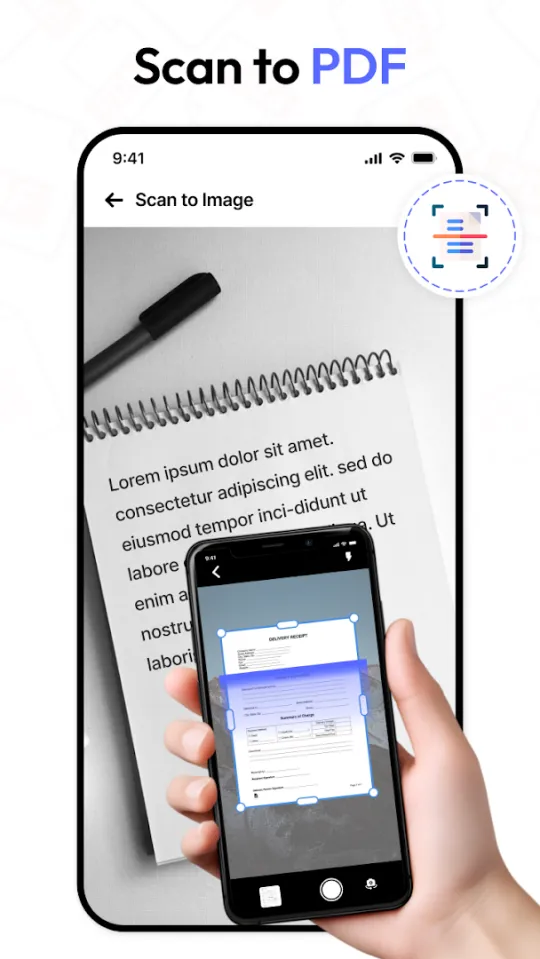
Scan PDF documents & easily read PDF files with our Pdf Speaker: Text to Speech.
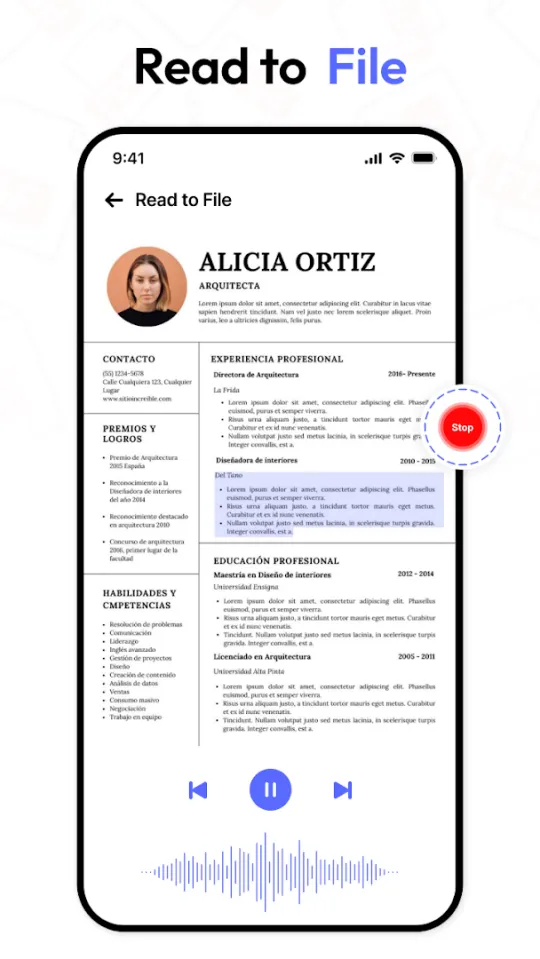
Tired of straining your eyes on endless documents? PDF Speaker transforms reading into listening. Its text-to-speech technology lets you absorb PDFs, textbooks, contracts and more, all through natural-sounding voices.
Whether you're a student tackling research papers, a professional reviewing reports, or someone who prefers audio learning, PDF Speaker turns any text into a hands-free listening experience while you commute, work out or relax.
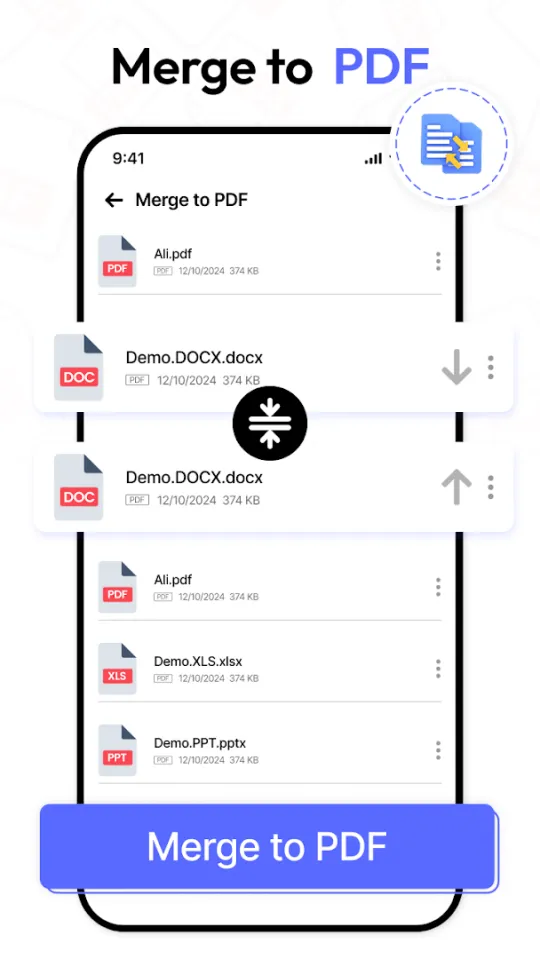
It combines text-to-speech with powerful document tools: scan, open, view and manage your PDF documents in one place, and convert PDFs to MP3s. Open a document, adjust the reading speed and press play. It's that simple.
AI Room Planner: Remodel your interior and exterior with ease.
Clean the speaker of your phone and remove water clearly.
3D Drawing App, Paint in Augmented Reality and Draw on screen canvas.